Get Started with Your New Trezor
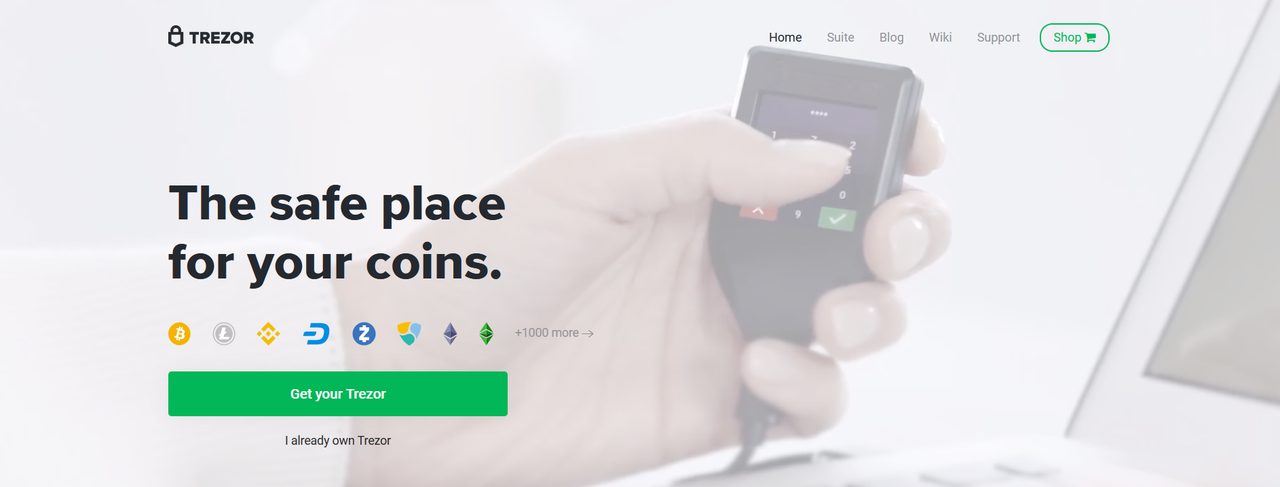
Welcome to the world of secure cryptocurrency management! Trezor, the pioneering hardware wallet, is designed to give you complete control over your digital assets. With over a decade of innovation, Trezor ensures your funds are protected from online threats through its offline storage capabilities. Whether you're a beginner dipping your toes into crypto or a seasoned investor, getting started with Trezor is straightforward and takes just minutes. In this guide, we'll walk you through the essential steps to set up your device, download the necessary software, and begin safeguarding your Bitcoin, Ethereum, and other cryptocurrencies. By the end, you'll be equipped with the knowledge to transfer assets securely and explore advanced features like multi-signature wallets and Shamir Backup.
Why choose Trezor? It's open-source, user-friendly, and backed by a community of millions. No more worrying about exchange hacks or phishing scams—your private keys stay with you, offline and encrypted. Let's dive in and unlock the power of self-custody.
Download Trezor Suite Now
How It Works: Step-by-Step Setup
Setting up your Trezor device is a breeze, designed with simplicity in mind. Follow these four key steps, and you'll be protecting your crypto in under 15 minutes. Each step builds on the last, ensuring a seamless experience from unboxing to asset transfer.
1. Download Trezor Suite
For the optimal experience, download the Trezor Suite desktop app from our official website. It's available for Windows, macOS, and Linux. If you prefer not to install software, opt for the web version directly in your browser. Trezor Suite is your all-in-one dashboard for managing portfolios, sending/receiving coins, and firmware updates. Ensure you're on the latest version for enhanced security features like advanced passphrase protection.
Get Desktop App
2. Install the App
Once downloaded, run the installer and follow the on-screen prompts. This process verifies the app's integrity to prevent tampering. For web users, simply bookmark the secure URL and proceed. Installation includes setting up bridges for seamless device communication. Pro tip: Always download from trezor.io to avoid counterfeit software that could compromise your setup.
3. Set Up Your Trezor
Plug in your Trezor Model T or One via USB. The Suite will detect it automatically. Create a new wallet by generating a recovery seed—write it down on the provided backup card and store it safely offline. Confirm your seed on the device screen to enable two-factor authentication. This seed is your ultimate backup; never share it or store it digitally. The setup wizard guides you through PIN creation and optional passphrase for added security layers.
Detailed Setup Guide
4. Move Your Coins
With your wallet ready, transfer assets from exchanges like Coinbase or Binance. Generate a receiving address in Suite, copy it, and initiate the deposit. Start small to test the waters. Trezor supports over 1,000 coins and tokens, including ERC-20 standards. Monitor transactions in real-time via integrated explorers. Remember, once on Trezor, your funds are truly yours—immune to third-party risks.
That's it! You've now joined the ranks of crypto self-sovereigns. But don't stop here; explore Trezor Suite's features like buy/sell integration with partners, staking options, and NFT management. Regular firmware updates keep your device at the forefront of security innovations.
Prefer Expert Guidance? Book a Session
Sometimes, a personal touch makes all the difference. Our Trezor Expert Onboarding Sessions provide one-on-one support from certified professionals. In just 60 minutes, via live video in English, we'll walk you through setup, answer questions, and customize your wallet for your needs. Ideal for first-timers or those upgrading from software wallets. Sessions are available for all Trezor models and require only your device and a stable internet connection. No prior experience necessary—our experts have helped thousands demystify crypto security.
Benefits include troubleshooting common issues like seed recovery or integration with DeFi apps. Plus, gain insider tips on maximizing Trezor's potential, such as using it with hardware security modules for enterprise-level protection. Book now and accelerate your crypto confidence.
Book Expert Session
Why Trezor Stands Out in Crypto Security
In an era where cyber threats evolve daily, Trezor remains a beacon of reliability. Founded in 2013, it was the first hardware wallet to market, setting standards still emulated today. Its air-gapped design means private keys never touch the internet, thwarting even sophisticated attacks like those seen in the Ronin Bridge hack.
Delve deeper: Trezor's open-source firmware allows global scrutiny, fostering trust through transparency. Features like Shamir Backup split your seed into shares, eliminating single points of failure. For developers, the Trezor API enables custom integrations, powering apps from portfolio trackers to automated trading bots.
Beyond security, Trezor emphasizes usability. The color touchscreen on Model T simplifies navigation, while haptic feedback confirms actions. Community-driven, with forums and guides in multiple languages, support is always a click away. As crypto adoption surges—with billions entering the space—Trezor equips you for the future, from Web3 gaming to central bank digital currencies.
Environmental note: Trezor devices are built sustainably, with recyclable packaging and energy-efficient manufacturing. Join us in promoting ethical crypto practices.
Ready to expand? Learn about advanced topics like multi-sig setups for shared funds or integrating with Ledger alternatives—wait, no, stick with Trezor for unmatched ecosystem compatibility.
Common Questions and Quick Tips
Q: Is my Trezor compatible with mobile? A: Yes, via the Android app for on-the-go management.
Q: What if I lose my device? A: Your seed backup restores funds on a new Trezor—no data loss.
Tip: Enable passphrase for "hidden wallets" to add stealth. Regularly check for firmware updates in Suite to patch vulnerabilities proactively.
For more, visit our learning center packed with tutorials on everything from buying your first BTC to tax reporting with Trezor-integrated tools.
Explore Learning Resources